Fast, not fiddly
Drag blocks instead of formatting cells. A whole training week is ready in minutes.
Picasso is the visual planning tool for civil protection, fire services, the military and SMEs. You draw your entries straight onto the grid, everyone sees the same current version, and printing works just as before. Only without Excel macros, version chaos and files on ten laptops.
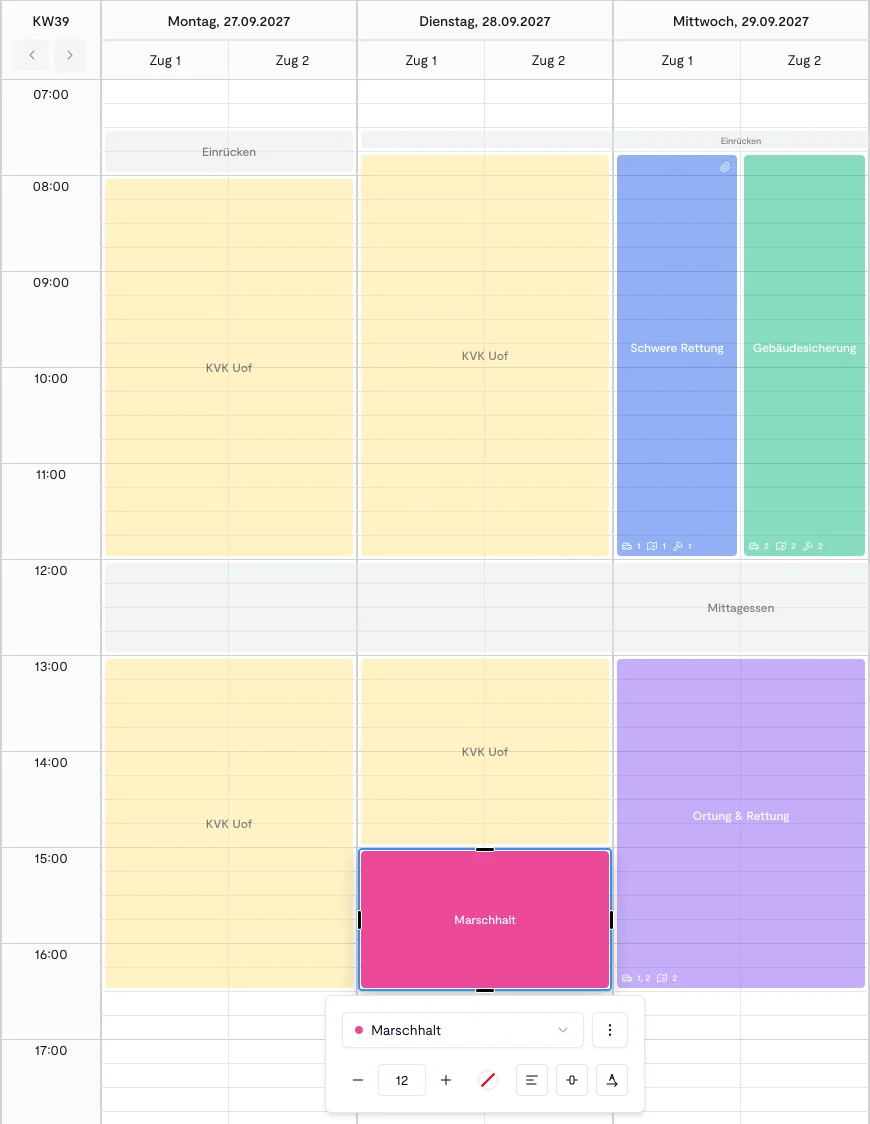
Try it out: drag on the grid to draw an entry. Move it with the arrow keys, change its duration with Shift and the arrow keys, and Delete removes it again.
Live preview Try it out: drag on the grid to draw an entry.
Anyone who plans in civil protection or the army knows the old Picasso Excel template. For years it carried us through weekly plans, daily plans and work programmes. But it was patched, copied and passed on until every organisation had its own version. In newer Excel versions and in the cloud the macros no longer run, the files are scattered across local drives, and PITT or the safety concept are printed and handed out separately.
That's why Picasso is now a web tool. Same name, same idea, but rebuilt from scratch.
Drag blocks instead of formatting cells. A whole training week is ready in minutes.
One platform instead of files on ten laptops. Built the same way for everyone and always up to date.
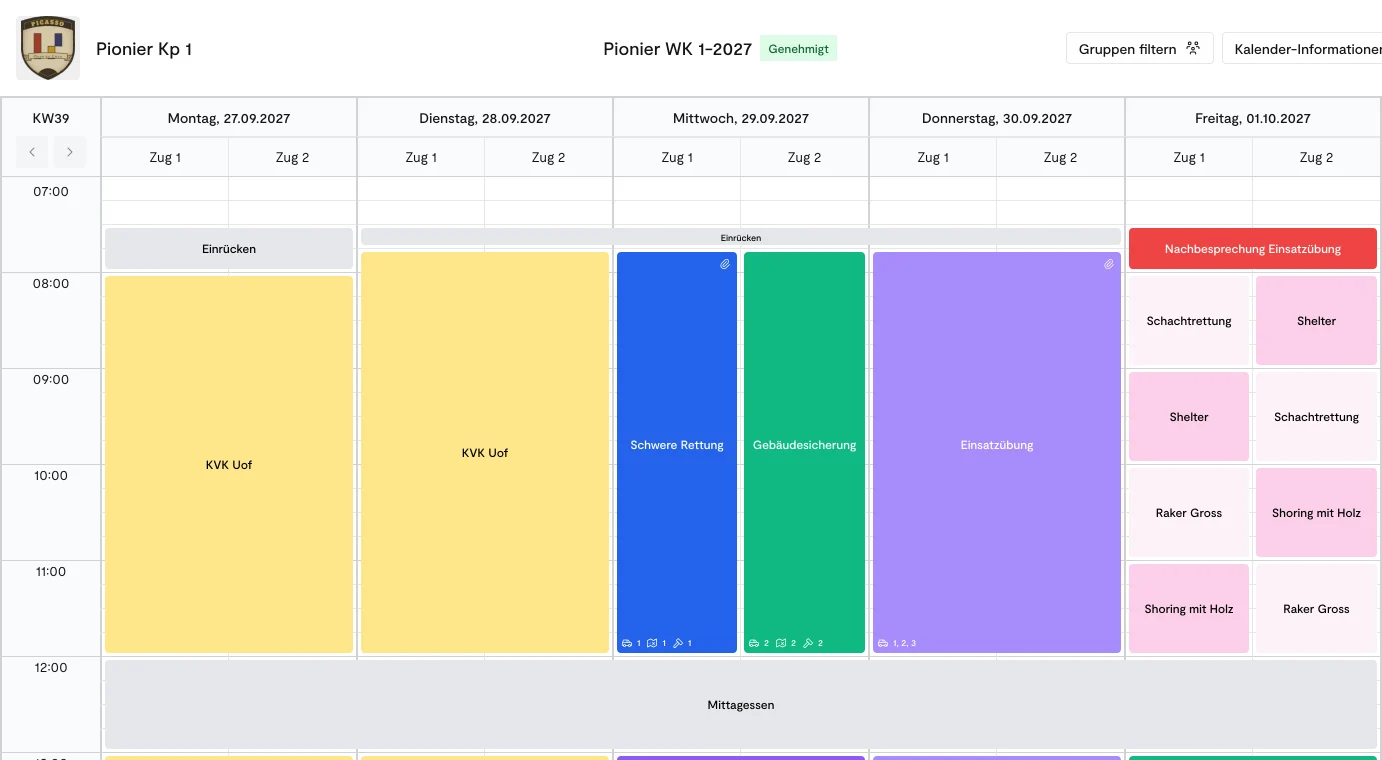
Days and groups as a grid, activities as coloured blocks. Like the planning board you used to have, only digital.
From the first entry to the printout with QR code, Picasso covers the whole process. And because we keep developing it, there's regularly something new.
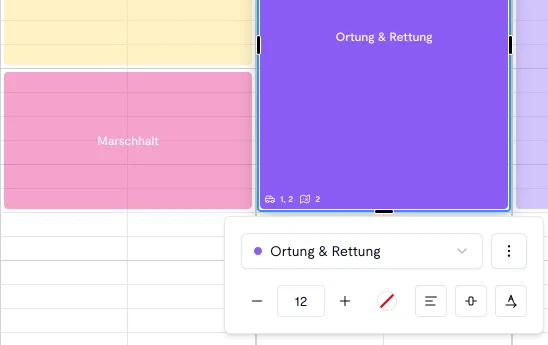
Draw entries straight onto the grid, move them and adjust their duration. Across several days, several groups or with an open end. Bring overlapping entries to the front or send them to the back.
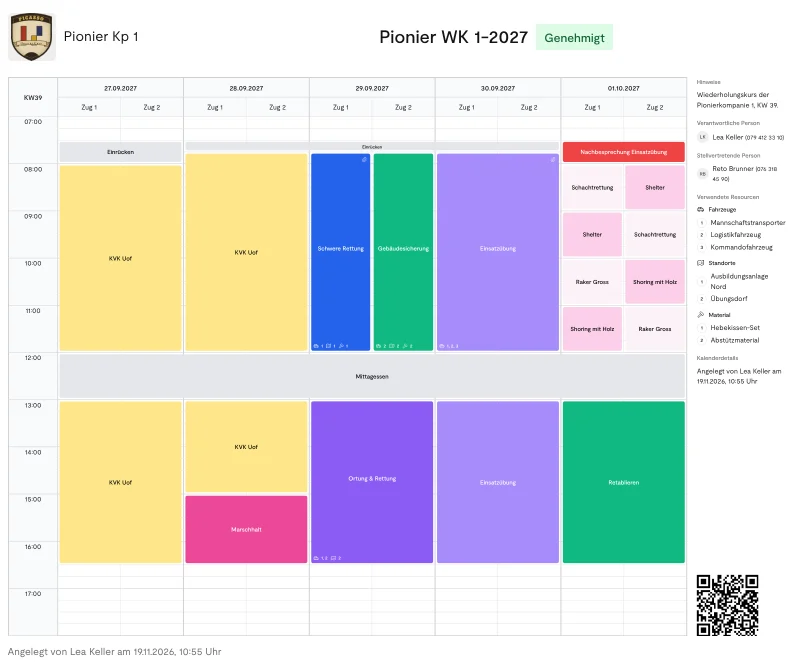
Print view from A5 to A0, portrait or landscape, with margins and scaling as you like. If the plan is shared publicly, a QR code on the printout leads to the current digital version.
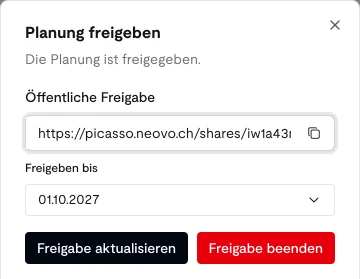
Share by link, time-limited or open-ended, without recipients needing an account. Public, or confidential with additional documents. In the read and print views, everyone shows only the groups they need right now.
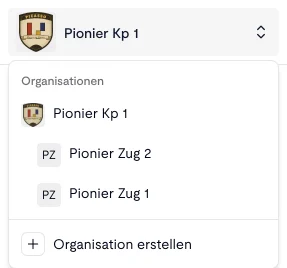
Invite members by email and assign their role right away. Several teams under one organisation, with their own logo and centrally managed members and resources.
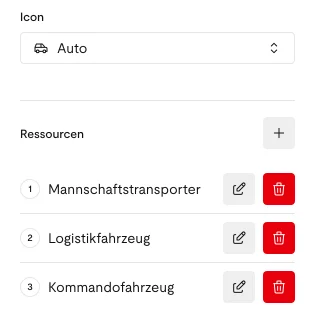
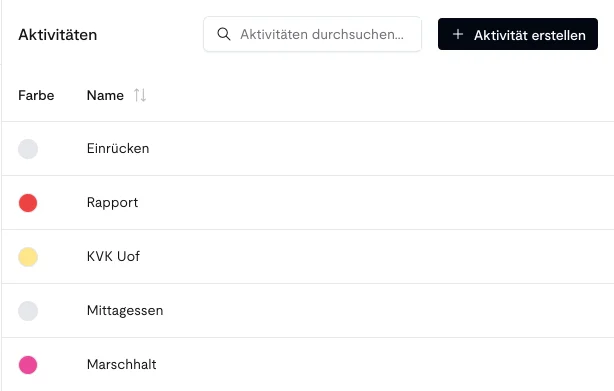
Resources such as vehicles, rooms and equipment, plus activities with their own colour, and groups. Entered once, available everywhere.
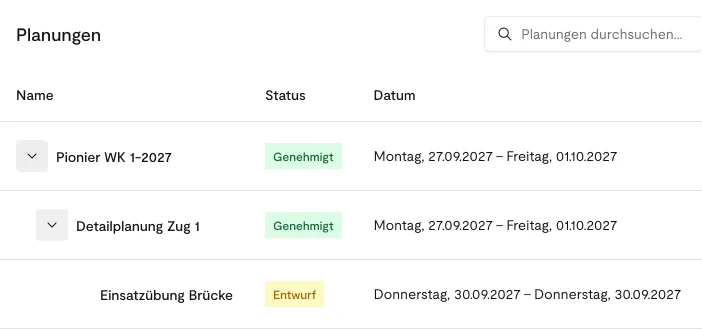
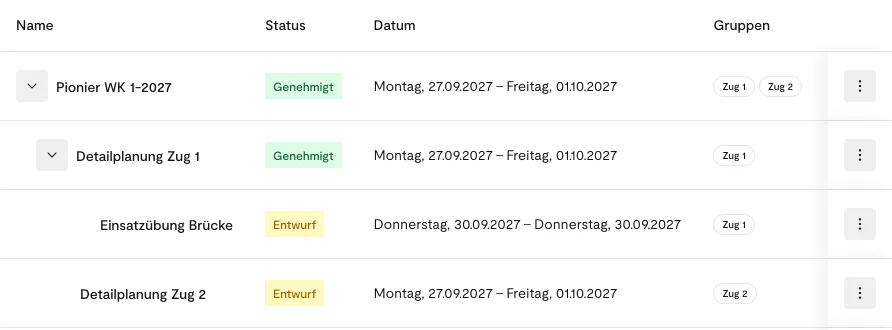
The company's weekly overview stays lean, while each platoon or team keeps its own detail plan underneath. Across several levels, too.
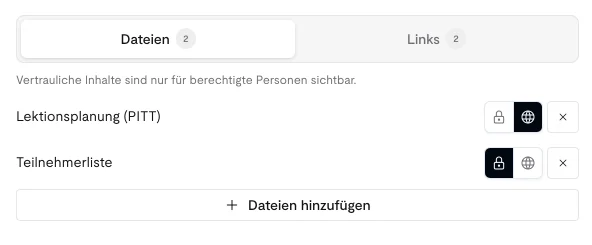
Attach files and links to a plan or an entry. For each one you decide: public or visible only to authorised people. Entries with attachments are marked with a symbol in the grid.
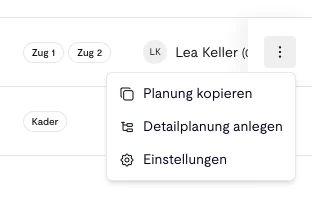
Copy last year's plan with one click and move it, with all its entries, to the new target week. No starting over for the next refresher course.
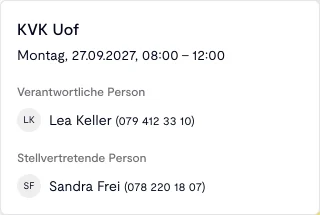
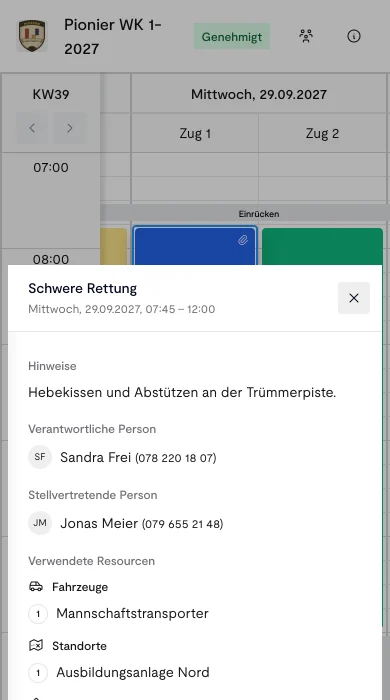
For every entry you see the person responsible and their deputy, including phone number. Anyone with questions knows straight away whom to call.
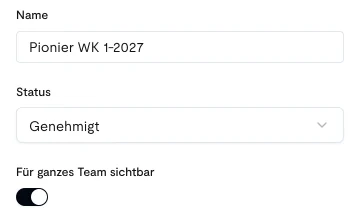
Every plan has a clear status. And you decide whether it's visible to the whole team or, for now, only to you.
Picasso runs in the browser on computers, tablets and phones. On small screens, entry details open in their own optimised view.
What looks like a table is cleanly structured underneath. That's the basis for future features such as reports, annual planning or the daily order.
Create a free account and draw your first plan. Would you rather talk to us first? That works too: we're happy to show you Picasso in person, at your place if needed.
Trial licence for up to 3 months, unlimited quota, every feature, no payment details.